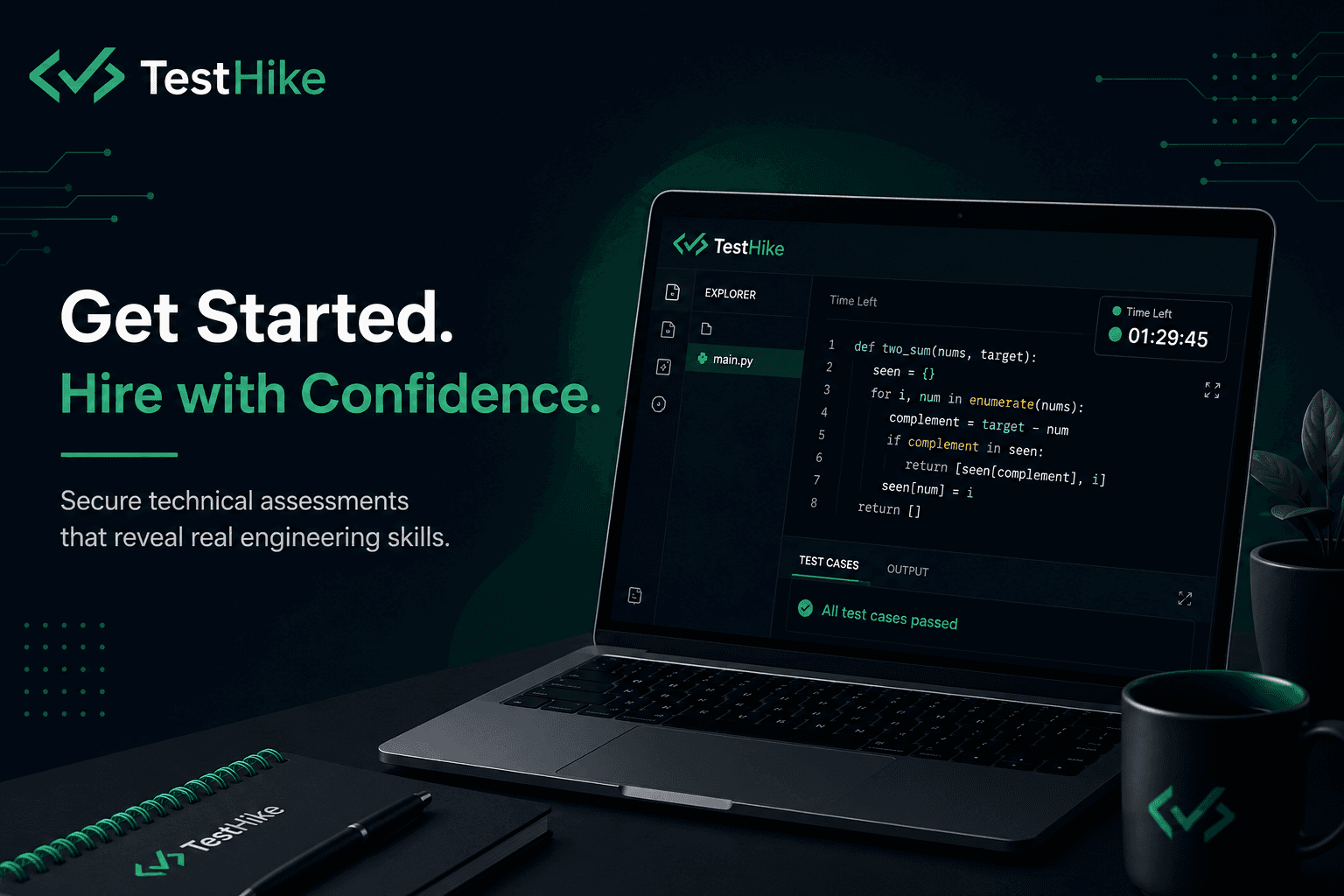
Getting Started with TestHike: Secure Technical Assessments Made Simple
Hiring great software engineers requires more than reviewing resumes and conducting interviews. Companies need a reliable way to understand how candidates actually solve problems, write code, and approach technical challenges.
TestHike helps engineering teams run secure, fair, and scalable technical assessments through a dedicated desktop assessment environment designed for modern developer hiring.
This guide walks you through everything you need to get started with TestHike.
What is TestHike?
TestHike is a secure technical assessment platform built for companies that want to evaluate software engineering candidates with confidence.
Unlike traditional browser-based coding tests, TestHike provides a controlled desktop environment that helps maintain assessment integrity by reducing external assistance and unauthorized activity.
With TestHike, companies can:
Create technical assessments
Invite candidates securely
Run coding challenges inside a controlled environment
Monitor assessment activity
Review candidate performance
Make better hiring decisions
Why Use TestHike?
Modern technical hiring comes with several challenges.
1. Resume Screening Is Not Enough
A candidate's resume shows experience, but it does not always show:
Problem-solving ability
Coding quality
Debugging skills
Engineering thinking
Real implementation skills
Technical assessments provide deeper insights into a candidate's capabilities.
2. Maintain Assessment Integrity
Traditional online coding platforms run inside browsers where candidates can easily switch tabs, search online, or use external tools.
TestHike provides a secure desktop-based assessment experience designed to create a fair evaluation environment.
3. Evaluate Candidates Consistently
Every candidate receives the same:
Assessment instructions
Time limits
Coding environment
Evaluation criteria
This creates a standardized hiring process.
Getting Started with TestHike
Follow these steps to start using TestHike.
Step 1: Create Your Organization Account
The first step is creating your TestHike organization account.
After registration, your organization workspace allows you to:
Manage assessments
Invite candidates
View submissions
Manage team members
Your organization becomes the central place for your technical hiring workflow.
Step 2: Create Your First Assessment
An assessment defines what candidates will complete.
You can design assessments based on your hiring requirements.
Examples:
Backend engineering assessment
Frontend development assessment
Full-stack challenge
Data engineering test
Algorithm and problem-solving evaluation
A good assessment usually includes:
Clear problem statements
Expected outcomes
Time limits
Required programming language
Evaluation criteria
Step 3: Invite Candidates
Once your assessment is ready, invite candidates.
Candidates receive:
Assessment invitation
Instructions
Secure access details
Steps to download the TestHike application
Each candidate receives a unique access token to start their assessment.
Step 4: Candidate Downloads TestHike Desktop App
Candidates complete assessments through the TestHike desktop application.
The application provides:
Secure assessment environment
Controlled execution experience
Candidate activity monitoring
Consistent testing conditions
Supported platforms:
Windows
macOS
Linux
Step 5: Candidate Completes the Assessment
When candidates start the assessment:
They enter their access token
The assessment environment loads
The timer begins
Candidates solve assigned tasks
Their submission is securely recorded
Candidates can focus on demonstrating their engineering skills without worrying about environment setup.
Step 6: Review Candidate Results
After completion, hiring teams can review:
Candidate submissions
Assessment completion status
Performance insights
Technical evaluation results
This helps engineering teams make data-driven hiring decisions.
Best Practices for Creating Technical Assessments
Keep Problems Relevant
Assessment tasks should reflect real engineering work.
Instead of only testing algorithms, consider evaluating:
API design
Data handling
Debugging
Architecture decisions
Code quality
Set Realistic Time Limits
Avoid making assessments unnecessarily long.
A good assessment should measure:
Engineering ability
Problem-solving approach
Code implementation skills
without creating unnecessary stress.
Evaluate More Than Final Output
Strong engineers are not only defined by whether their code works.
Consider evaluating:
Code readability
Maintainability
Testing approach
Design decisions
Who Uses TestHike?
TestHike is designed for:
Engineering Teams
Build a reliable technical hiring pipeline.
Startups
Quickly evaluate developers before making important hiring decisions.
Enterprises
Standardize technical assessments across large hiring teams.
Recruiting Teams
Work together with engineering teams to identify qualified candidates.
Secure Developer Hiring Starts Here
Finding great engineers requires a hiring process that goes beyond resumes.
TestHike helps organizations create secure, consistent, and practical technical assessments that reveal real engineering skills.
Start building better technical hiring workflows with TestHike today.
Frequently Asked Questions
Is TestHike browser-based?
No. TestHike uses a dedicated desktop assessment environment designed for secure technical evaluations.
What programming languages can candidates use?
Language availability depends on the assessment configuration created by the organization.
Can TestHike prevent cheating?
TestHike includes security-focused assessment controls designed to reduce unauthorized activity and create a fair testing environment.
Who can use TestHike?
TestHike can be used by startups, enterprises, recruiting teams, and engineering organizations hiring software developers.